Library Recognition
Import your library as it is.
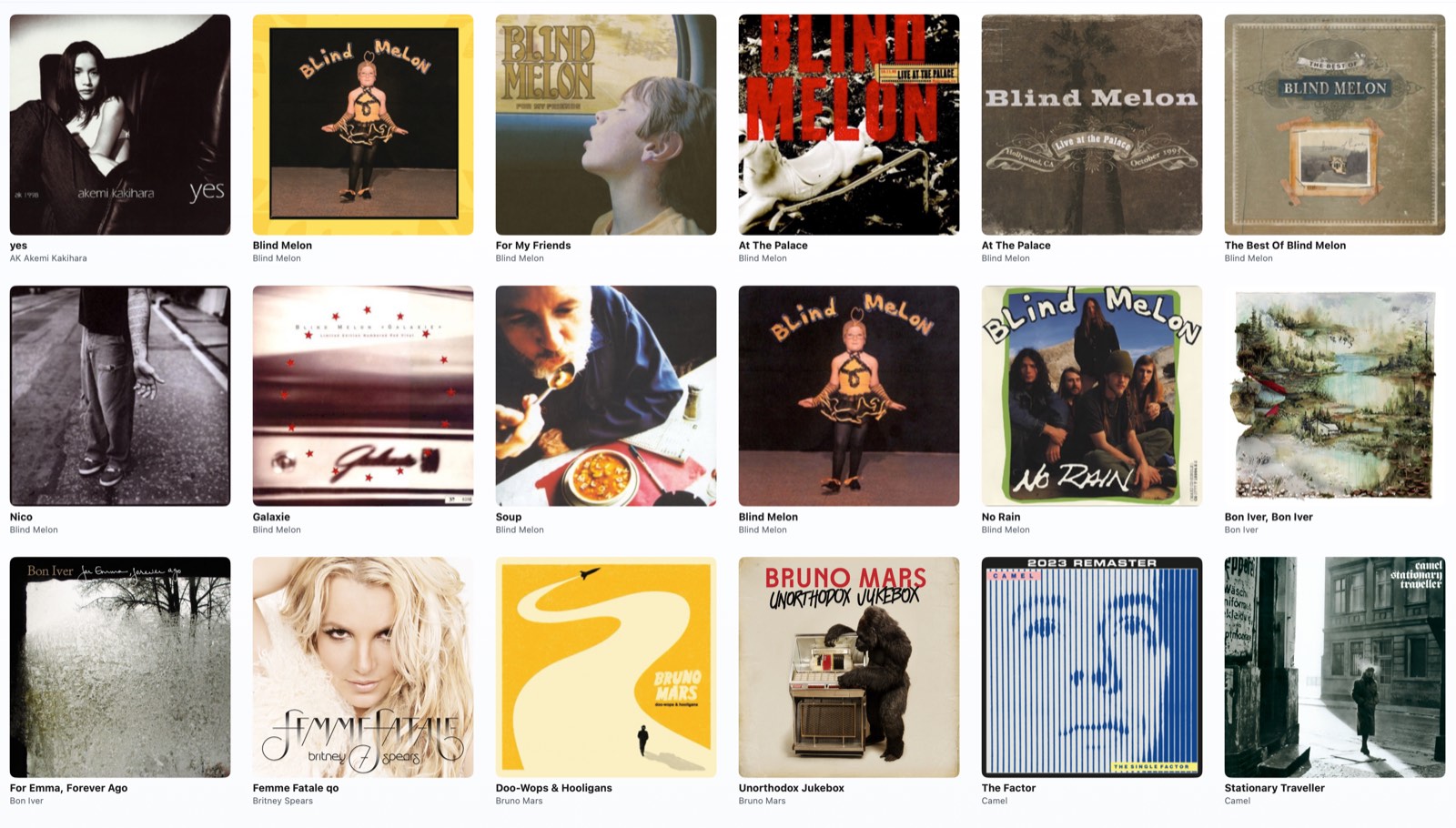
Not every music library is organized the same way. Some people sort by artist. Others keep albums in separate folders. Some libraries are carefully structured, while others grow over time in a more mixed way. Mossca is designed to work with that reality.
Works with different library structures
Whether your music is organized by artist folders, album folders, or more flexible directory layouts, Mossca can import directly from folders and start building a usable library view.
Automatic parsing across folder levels and audio files
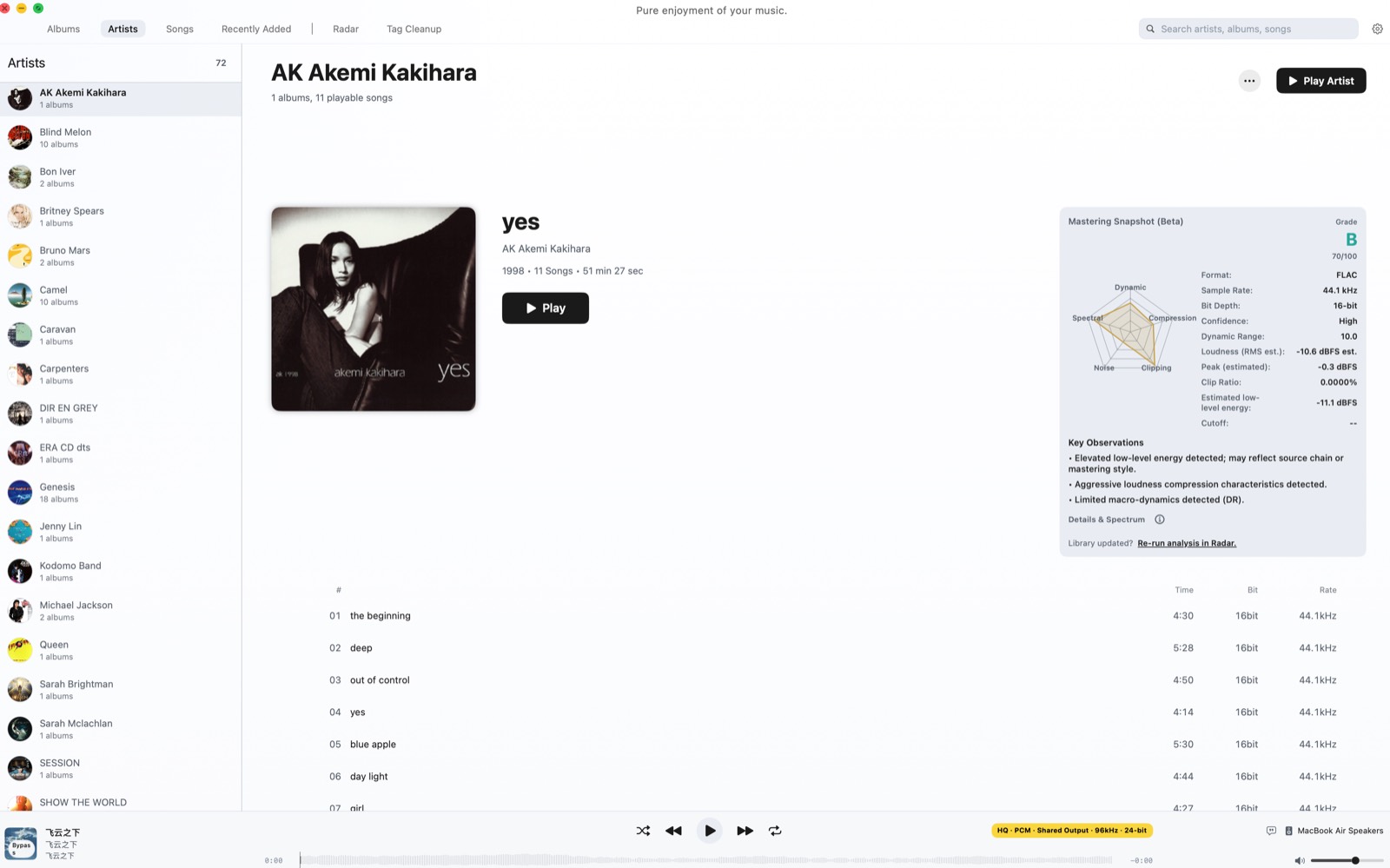
Mossca automatically reads multi-level folder structures and music file information to identify album names, artist names, and core metadata with minimal manual work.
Local parsing, improved by cloud matching
Local parsing handles the structure of your files. Cloud matching helps improve recognition accuracy when names, metadata, or releases are inconsistent.
This gives Mossca a more reliable way to identify your music library without forcing you to fix everything first.
Multi-disc albums handled as one release
For multi-CD box sets and multi-disc releases, Mossca can group them into a single album presentation instead of scattering them across separate entries.
A local music library should not need perfect folders to become usable.