

iPhone & iPad
Mossca for iPhone & iPad
Supported Formats
DSD: DSF / DFF · FLAC · WAV · AIFF · ALAC · MP3 · AAC / M4A · CUE sheets
System Requirements
iOS 17.6 or later
iPhone · iPad
Languages
简体中文 · 繁體中文 · English · 日本語 · 한국어 · Deutsch · Français · Español · Português (Brasil) · Italiano · Polski · Русский
Music Sources & Connections
Local Music
Supports music stored locally on iPhone / iPad and music imported through the system Files interface.
SMB / WebDAV
Access music stored on NAS devices, home servers, and other network storage through SMB or WebDAV.
Music Servers
Supports Mossca Server, Navidrome / Subsonic, Emby, Jellyfin, and Plex music libraries.
Original Audio & Server Transcoding
Play original audio streams directly or use server-side transcoding. Available formats and bitrates depend on server configuration.
Custom HTTP Header
Configure custom HTTP Header values for remote music servers, including Reverse Proxy and Cloudflare Access environments.
Dual-Address Connection
Configure separate LAN and remote addresses for a music server, with automatic switching based on the current network.
Audio Engine & Output
- Output Devices
- Supports iPhone / iPad audio output, headphones, and compatible external DACs.
- High-Resolution PCM
- Supports high-resolution PCM playback. Maximum specifications depend on the audio file, device, and current output path.
- DSD Playback
- Supports DSF / DFF and selects a compatible DSD playback path based on the device and output capabilities.
- DSD DoP
- Supports DoP output through compatible external DACs. Available DSD rates depend on the device, connection, and DAC capabilities.
- SRC / Upsampling
- Provides high-quality sample-rate conversion and PCM upsampling to higher output sample rates.
- PCM → DSD
- Supports real-time conversion of PCM to DSD for output through compatible external DACs.
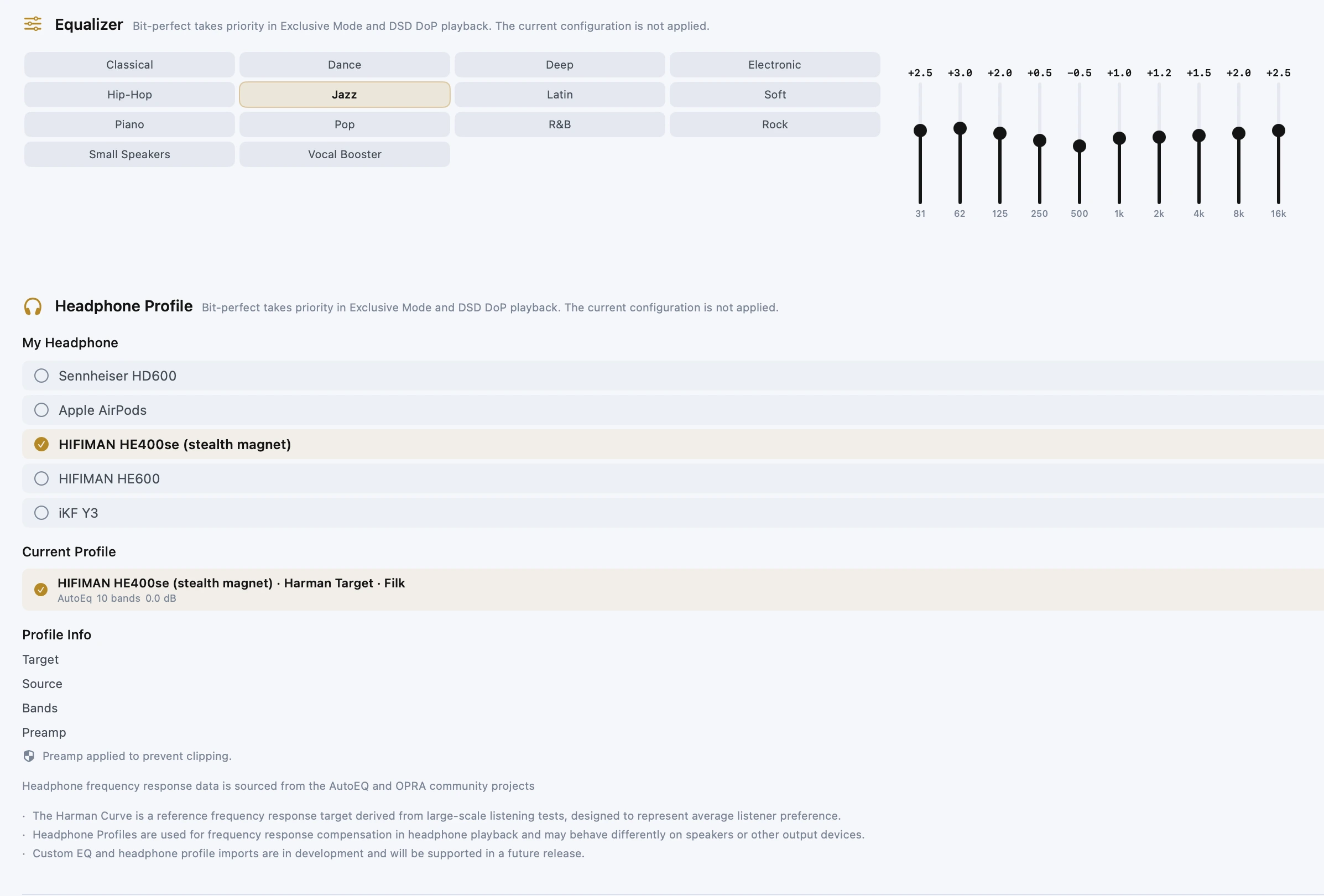
- 10-Band EQ
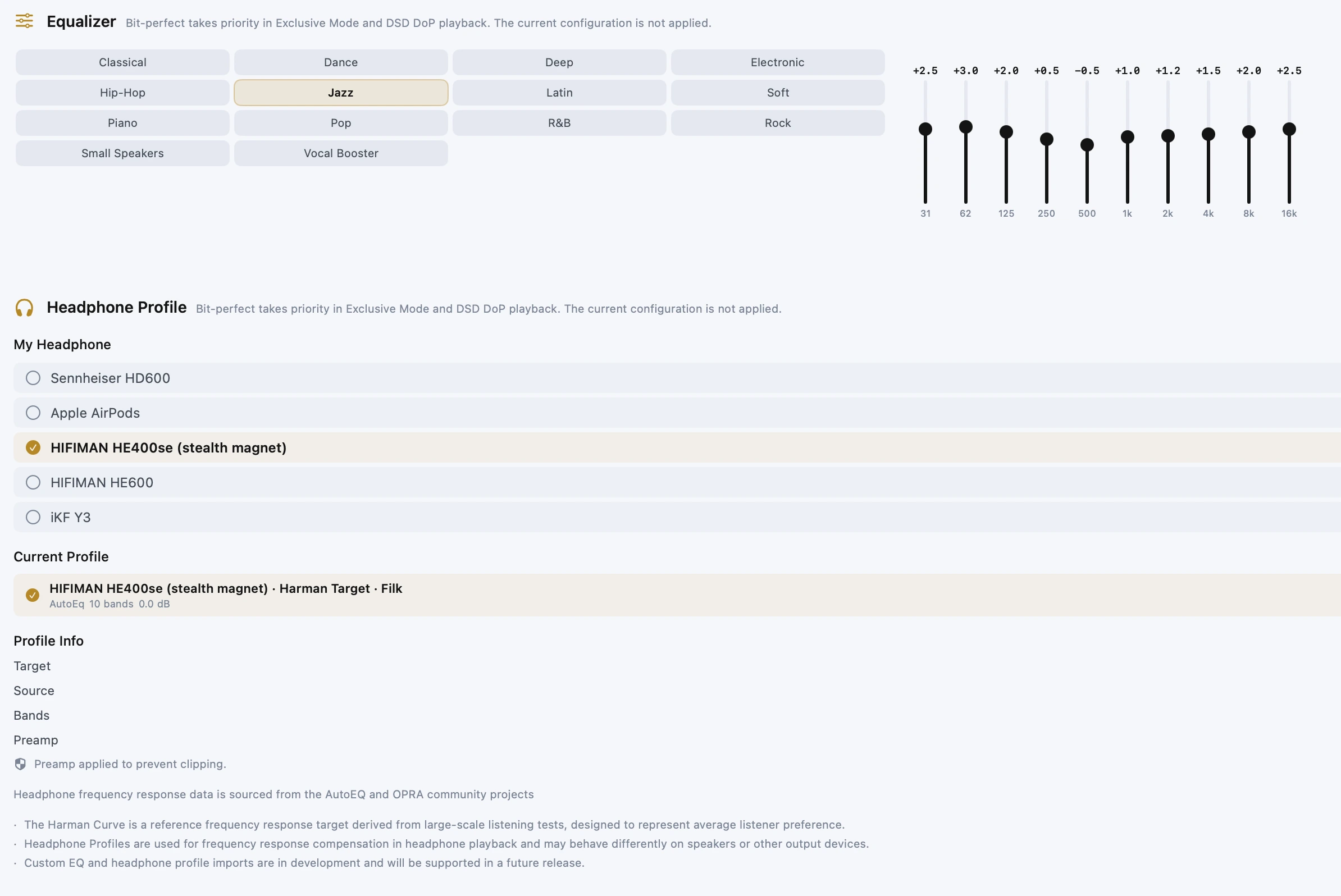
- Supports 10-band equalizer adjustment.
- Headphone Tuning
- Applies frequency-response correction profiles for supported headphone models.
- Signal Path
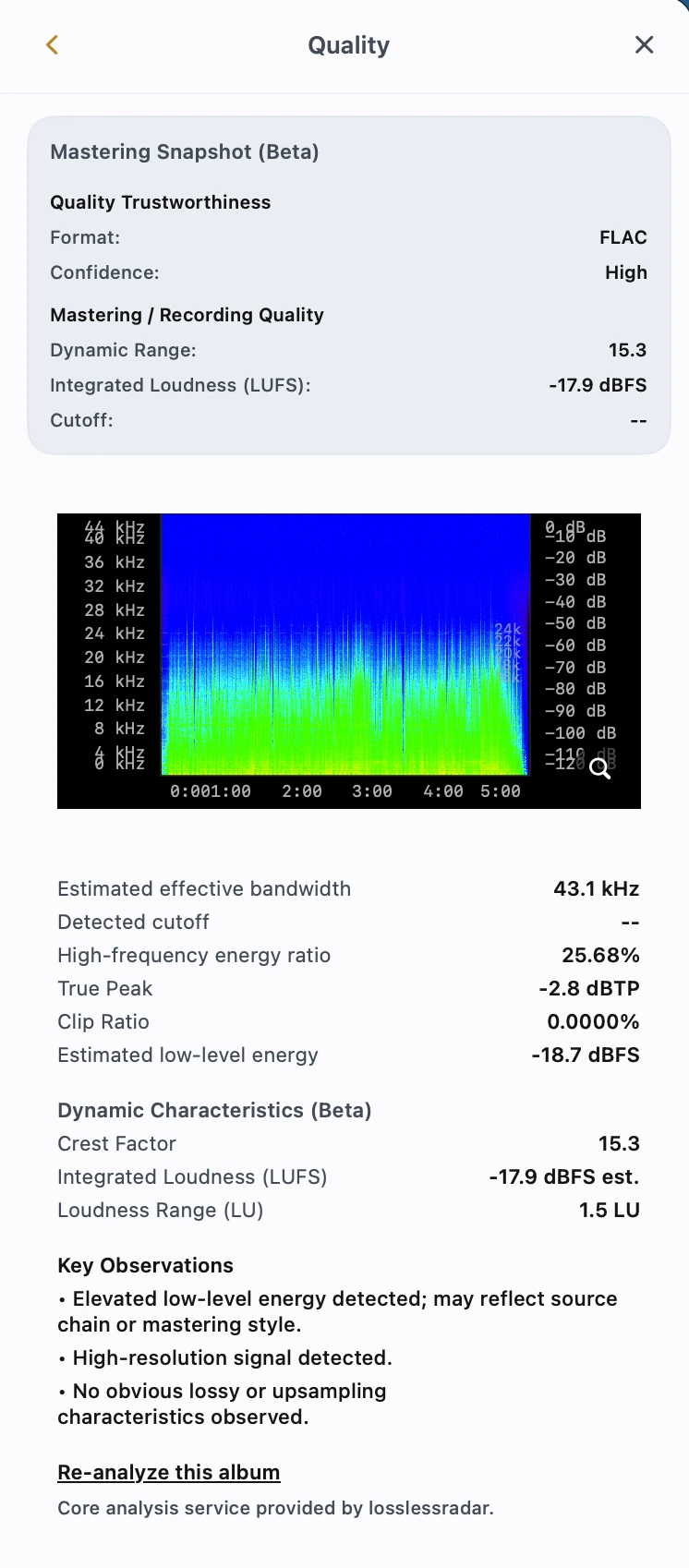
- Displays the current decoding, DSP, sample-rate conversion, DSD, and output-device path.
Library Browsing
- Album / Artist
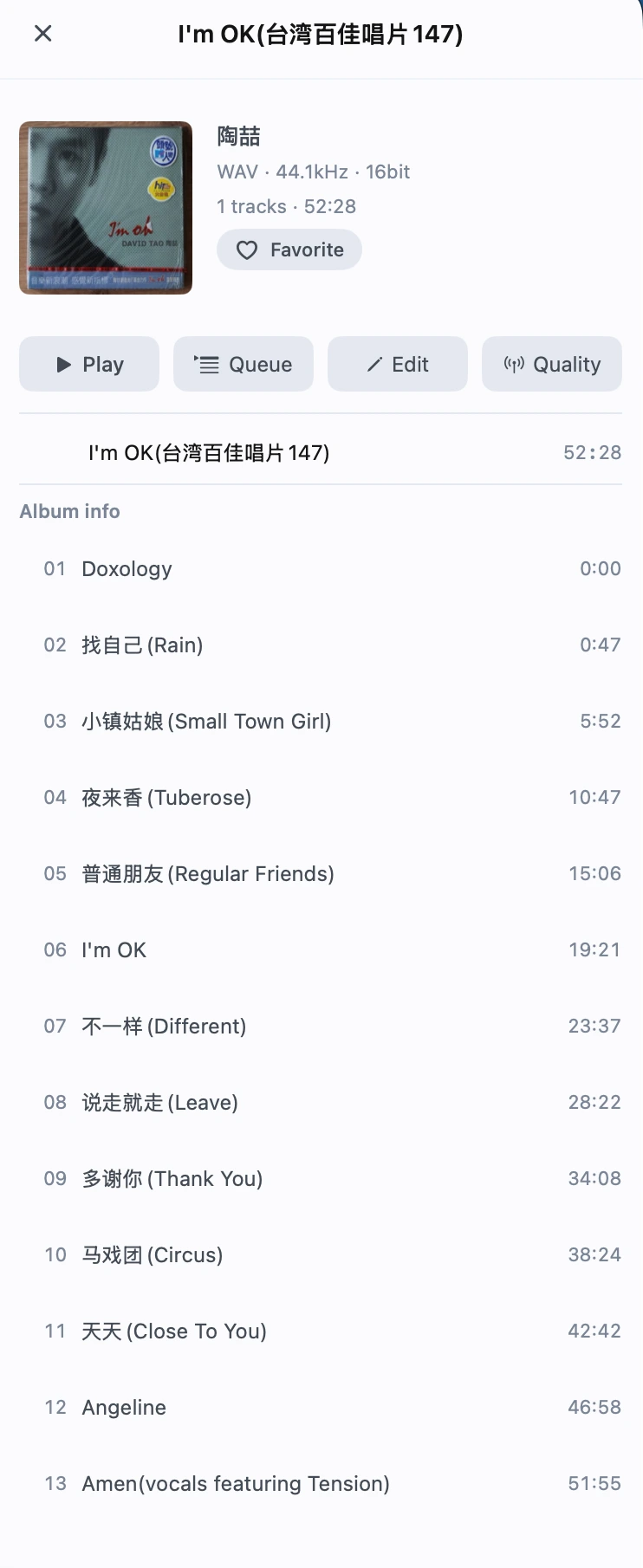
- Browse your personal music collection around albums and artists.
- Genre
- Browse your library by genre.
- Search
- Search Album, Artist, and Track content.
- Favorites
- Save albums, artists, and other music content as favorites.
- Recently Played
- View recently played music.
- Server Home
- Browse Recently Played, Recently Added, Album of the Day, Artist of the Day, Decades, and other music sections when connected to a supported music server.
Playback & Content
- CUE Albums & Tracks
- Automatically parses full-album audio with CUE sheets and presents individual tracks for browsing and playback.
- Artwork
- Reads embedded artwork and cover image files stored in music folders.
- Lyrics
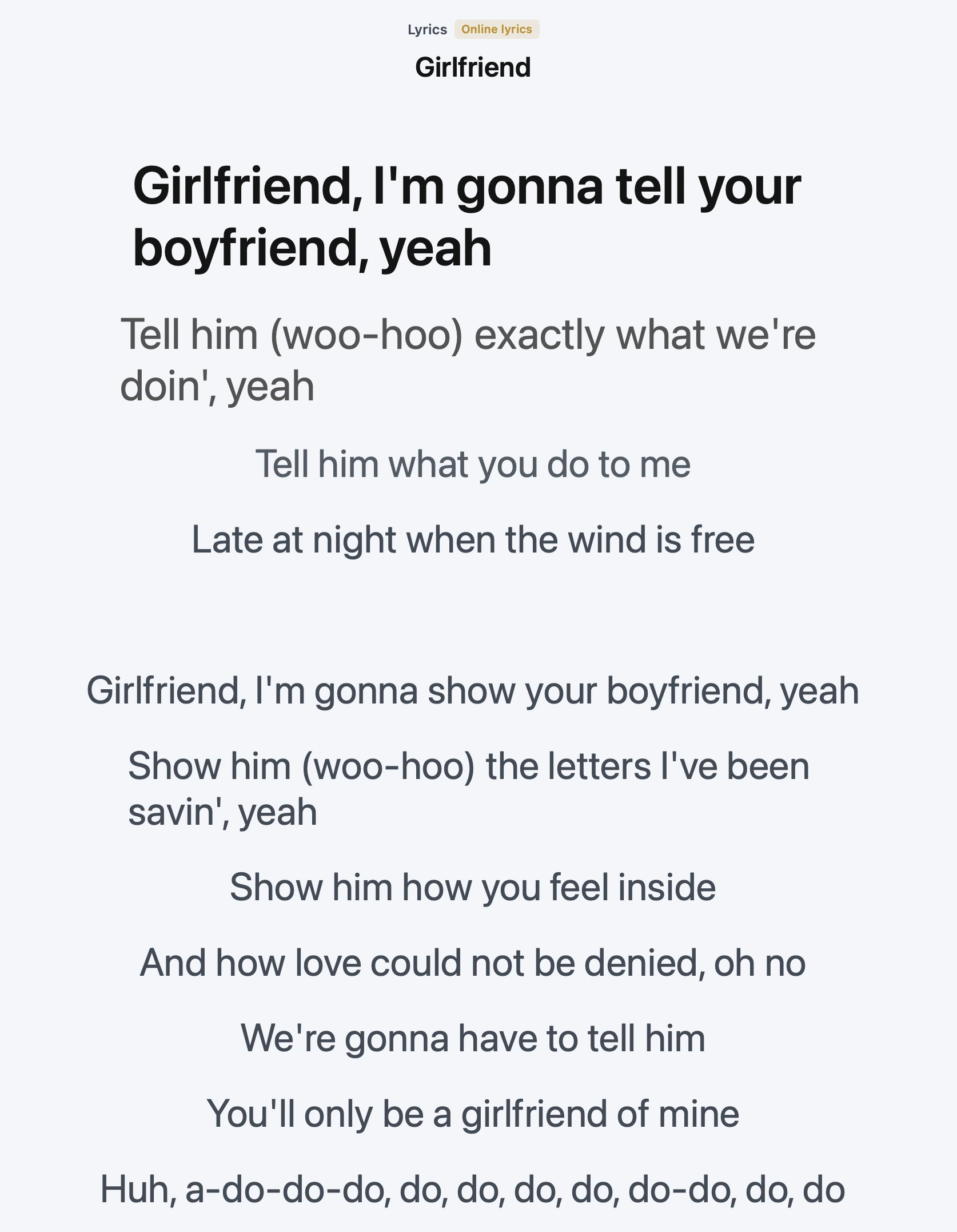
- Supports local lyrics, embedded lyrics, and online lyric matching.
- Artist Bio
- Retrieves artist biography information online.
- Play Queue
- Manage the current queue and upcoming music.
Special Playback Modes
- iPod Mode
- Provides a dedicated playback interface inspired by classic iPod interaction.
- Radio Mode
- Provides continuous radio-style playback based on the current music library.
Interface & Personalization
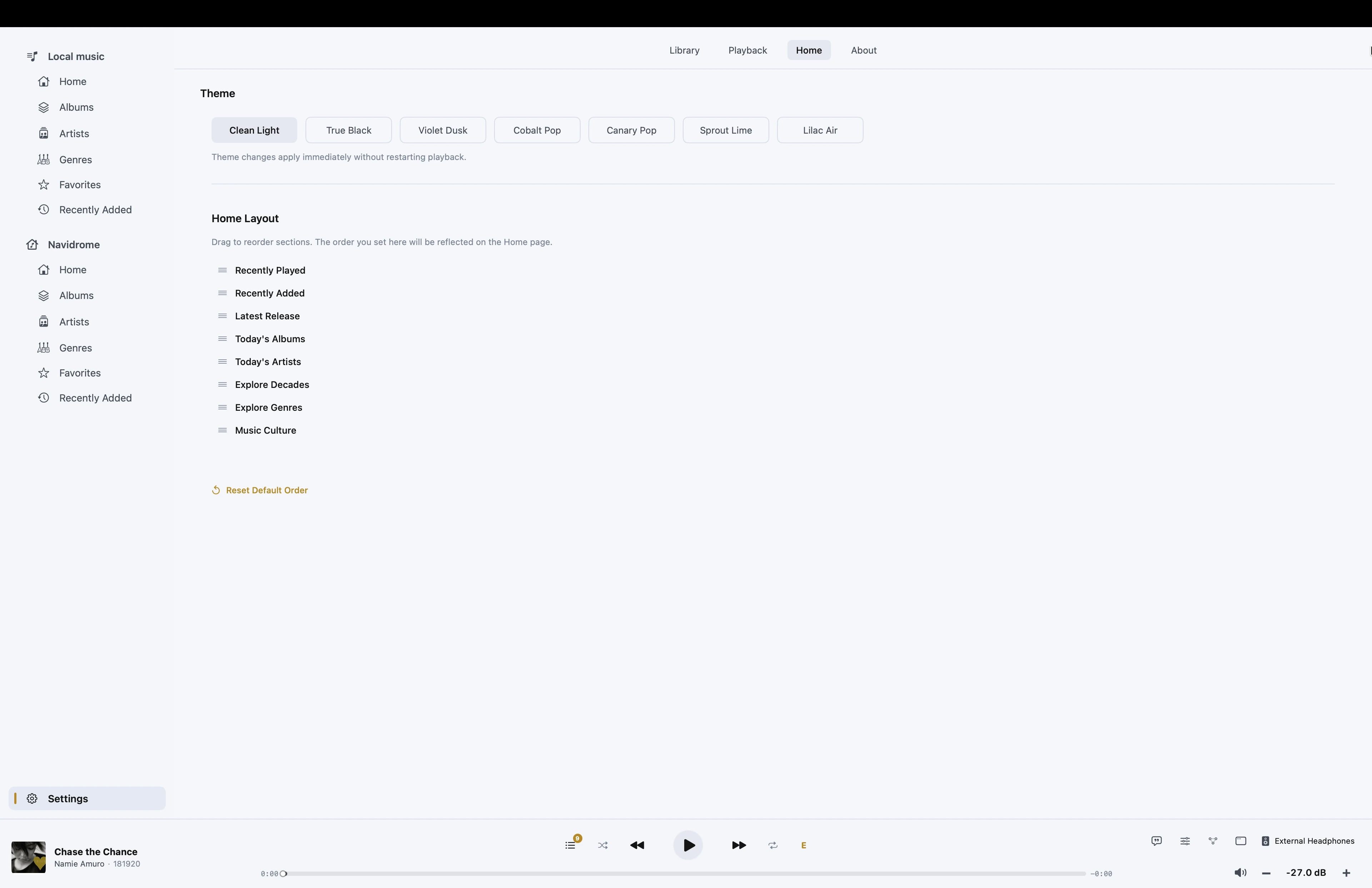
- Multiple Themes
- Choose from multiple interface themes.
Offline & Sync
- Remote Music Downloads
- Download music from supported music servers to iPhone / iPad.
- Offline Playback
- Play downloaded music without a network connection.
- Mac ↔ iPhone / iPad Sync
- Sync personal music content between Mac and iPhone / iPad.
System & Service Integration
- CarPlay
- Browse and play your personal music collection through CarPlay.
- Last.fm
- Supports Last.fm Scrobbling.
- Notes
- Availability of DSD DoP, PCM → DSD, high-resolution PCM, SRC / Upsampling, and related capabilities depends on the audio file, iOS, selected output path, connection method, and connected audio hardware.
Availability of DSD DoP, PCM → DSD, high-resolution PCM, SRC / Upsampling, and related capabilities depends on the audio file, iOS, selected output path, connection method, and connected audio hardware.